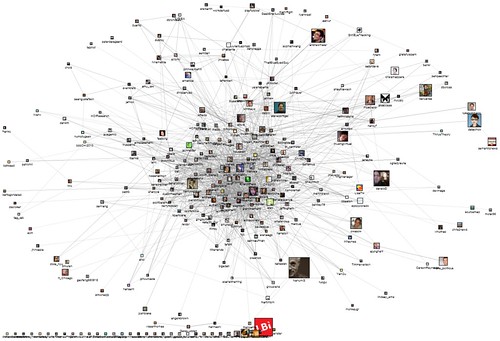
The CHI 2010 conference is well underway in Atlanta this week and lots of people are tweeting the #CHI2010 hash tag. An updated NodeXL map of the connections among people who use the #CHI2010 tag is below: This is the network map of follows, replies, and mentions relationships among Twitter users who mentioned “CHI2010″ as [...]
From this:to this: in just a few clicks. Many network graphs contain disconnected smaller graphs, called "components", within them. Most layout algorithms do a poor job of managing to group each component in a separate space. Instead, often, components are…
by chris.corwin - - We have several data import providers (spigots) in NodeXL that query popular sources of social media for information that can be processed into a network graph. User and search term networks from Twitter, YouTube, and flickr…
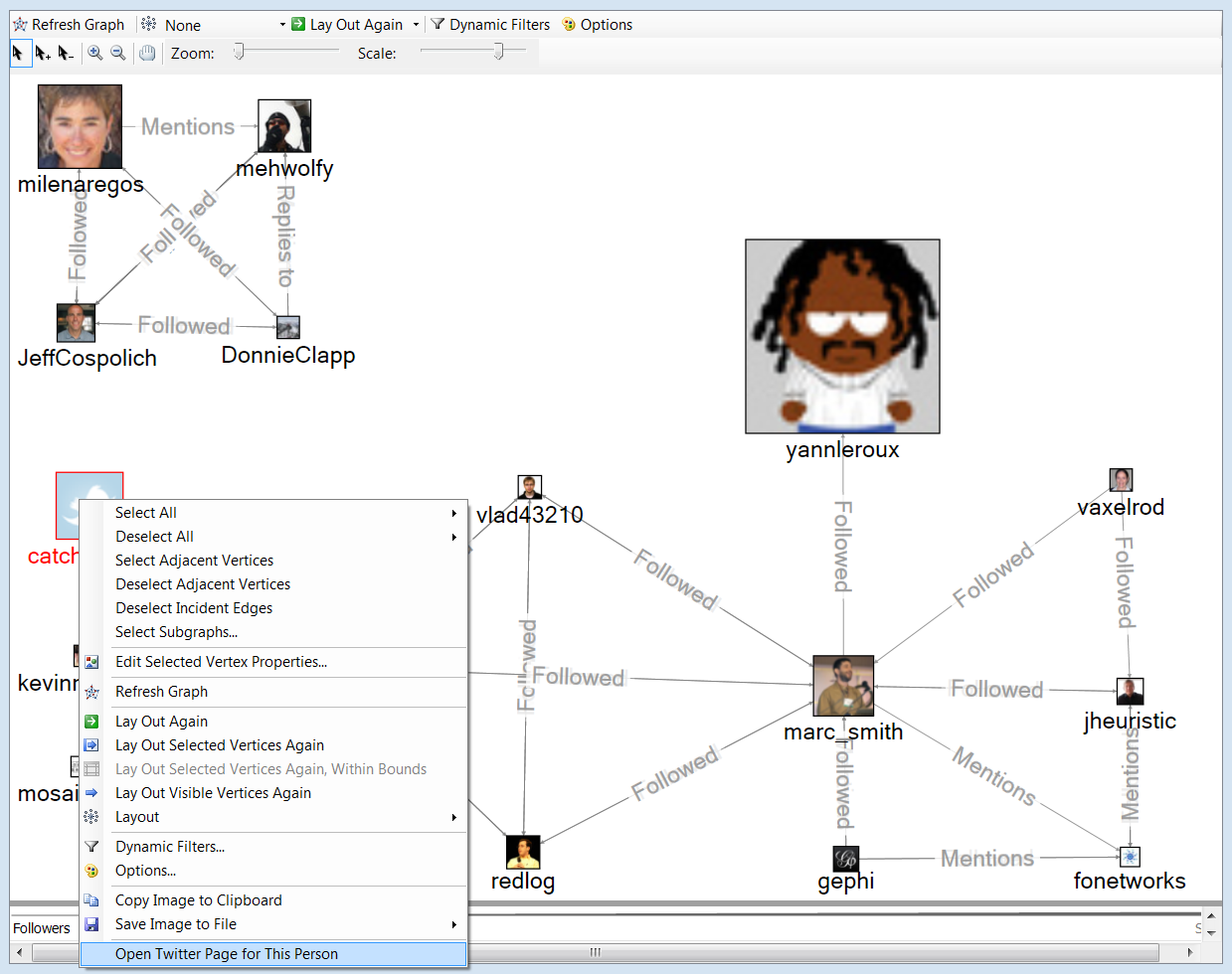
The right click menu is a source of many good things in NodeXL. In the graph pane, the right click menu contains several options of possible interest.
This is a map of the recent connections among twitter users who tweeted the string “NodeXL”. Each profile photo is scaled to the number of followers that person has. In this image one author node is right-clicked and reveals some useful options. Highlighted in the image is the option to open the twitter page for this person. Also of use is the Edit Selected Vertex Properties option where nodes can have their labels moved around (top, bottom, left, etc) and switched on and off in the graph.
Right-click features appear elsewhere in the application. It is worth poking at things with the right-click menu but we will be working on surfacing these options more clearing in forthcoming releases.
You can add your own right-click menus to your own networks by using the custom vertex menu option. Find out how after the jump.
Benefits This course provides an overview of Social Network Analysis (SNA) and demonstrates through theory and practical case studies how it can be used in HCI (especially computer-mediated communication and CSCW) research and practise. This topic is of particular importance due to the popularity of social networking websites (e.g. YouTube, Facebook, MySpace etc.) and social computing. As people increasingly use online communities for social interaction, new methods are needed to study these phenomena. SNA is a valuable contribution to HCI research as it gives an opportunity to rigorously study the complex patterns of online communication.
Social network theory views a network as a group of actors who are connected by a set of relationships. Actors are often people, but can also be nations, organizations, objects etc. Social Network Analysis (SNA) focuses on patterns of relations between these actors. It seeks to describe networks of relations as fully as possible. This includes teasing out the prominent patterns in such networks, tracing the flow of information through them, and discovering what effects these relations and networks have on people and organizations. It can therefore be used to study network patterns of organizations, ideas, and people that are connected via various means in an online environment.
In the latest releases (since v.1.0.1.117) NodeXL allows users to pan, zoom, and scale the network graph in a more refined way. These new control elements allow for the selection of a set of nodes (arrow), the addition of another…